
What You Can Do on the Web
Everything about a game that isn't typing code happens at ololo.dev.
Watch a session live
Every session has a dashboard at /s/CODE. For public projects it needs no
account and no install: phase and countdown, the leaderboard with each
player's status (in progress, awaiting judges, completed), and a live feed of
joins, passes, failures, and judge verdicts as they land.
Click any player for their detail page: the score chart over time, every check with expected against actual output, and each judge's rating and written feedback. Screenshots and screencasts that judges collected are there too, and you can download them.
Two things stay private, visible only to the player and to admins: the code diffs behind each task, and the files in the session repository. The conversation with the agent is not on the server at all.
Browse projects
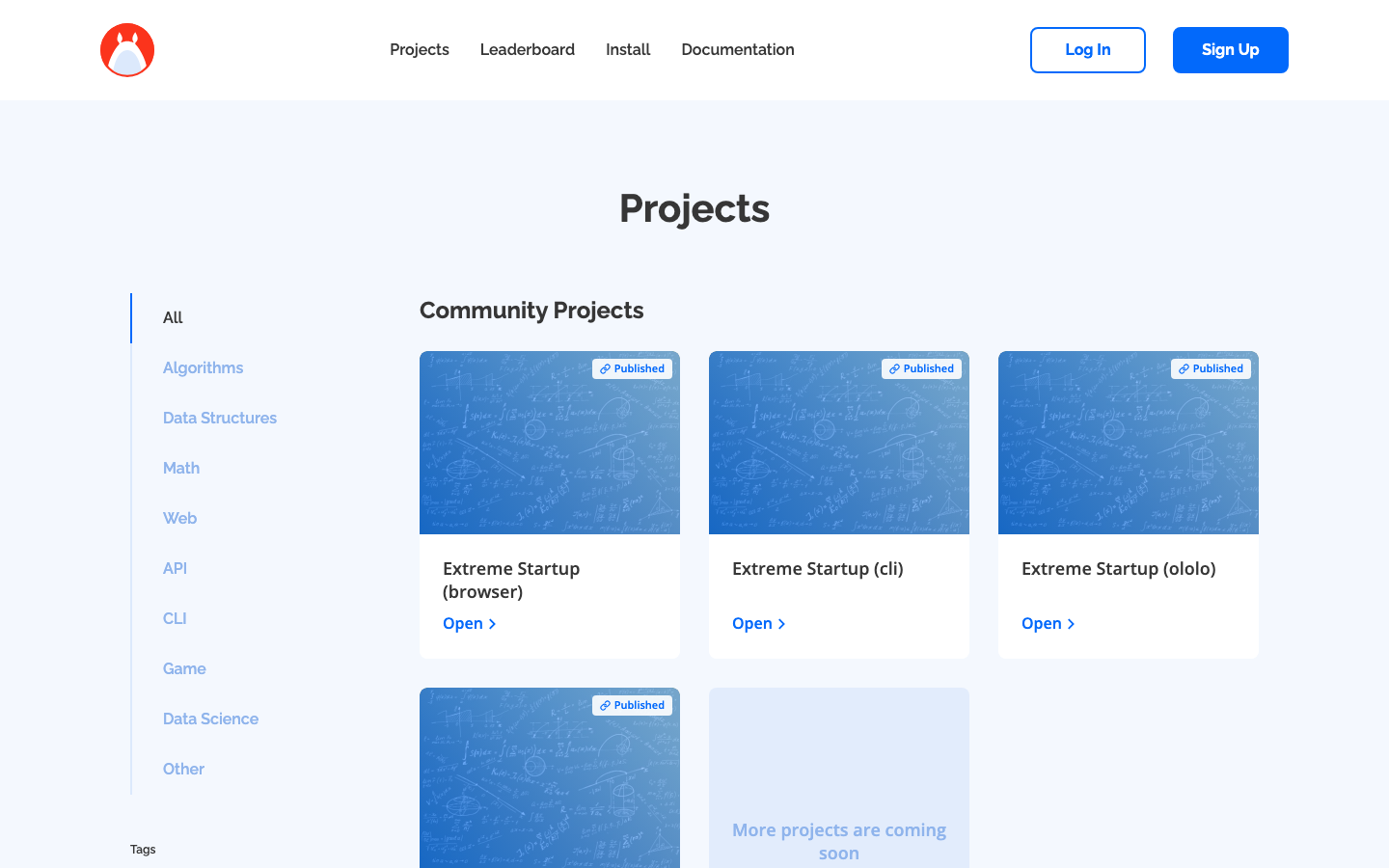
The Projects section lists the public challenge sets. A project page shows its tasks, its point values, how long a session runs, and anything extra you need installed, with a Create session button to start a game from it.
Project pages also list their sessions: anything in the lobby or already running shows its join code and a join link, so you can find a live game and walk in.
Host and run a session
Hosts create sessions from a project page, share the join code, and control the game from the dashboard: pause, resume, cancel. A pause freezes the clock for everyone, which is the tool for when something breaks mid-game. See Hosting a Session for the full playbook.
Finished sessions stay on the project page with their full report: final standings, per-player timelines, snapshots, and judge feedback.
Climb the ladder
- /arena — the seasonal ladder: Arena Points, skill rating, sessions played, and past seasons.
- Public profiles at
/u/USERNAME— your avatar, rank, rating, badges and session history, open to anyone without a login.
Your account
Profile & Settings holds your display name, avatar, linked logins (GitHub,
Google), and the personal access tokens the CLI uses — ololo login creates
one for you, and you can revoke it any time.